01
Document Version Control
Keep track of document changes with full version history, allowing comparison of edits, rollback to earlier versions, and transparency in updates.
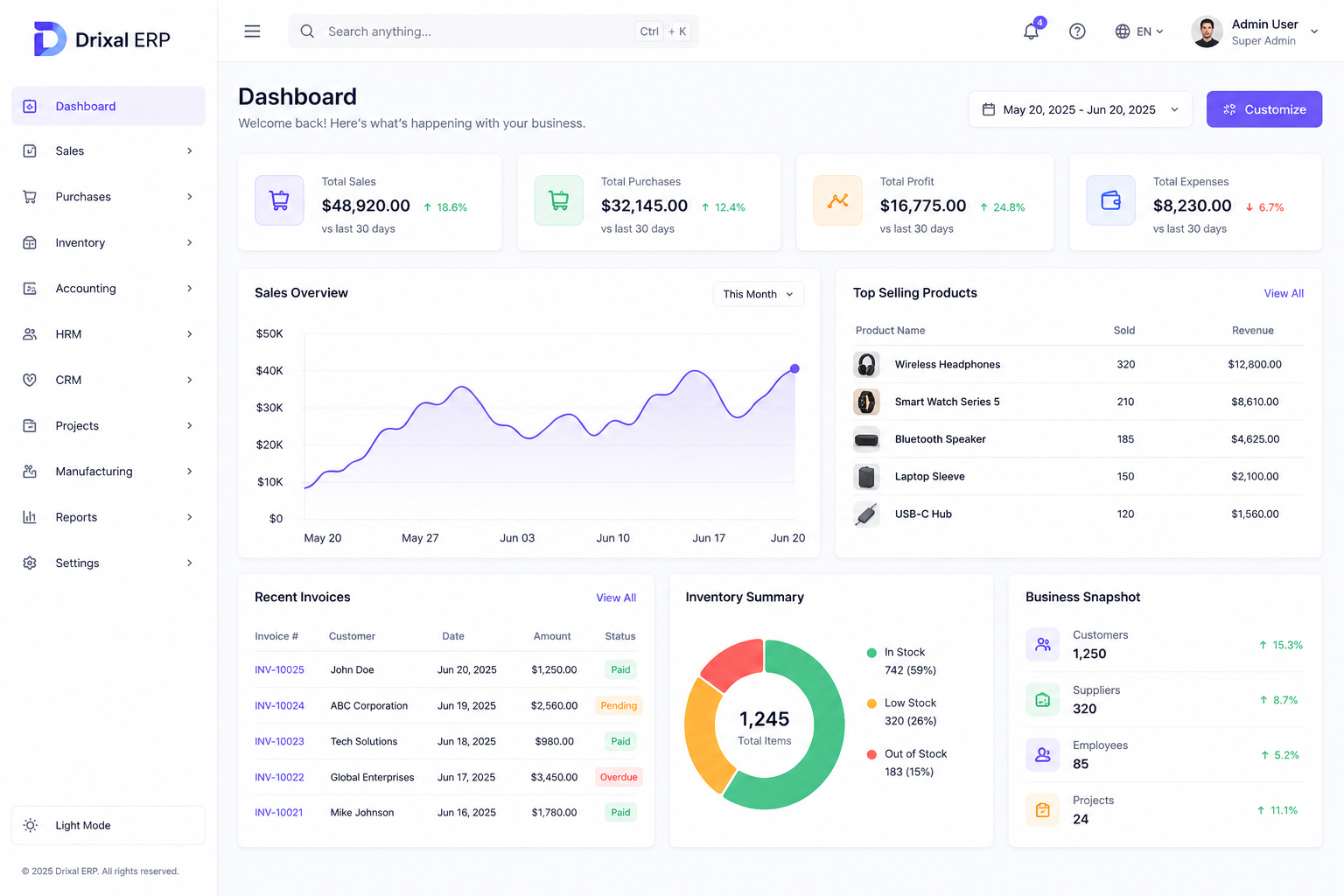
Streamline document versioning, custom multi-tiered approval routing, project asset linkage, and fine-grained security across internal teams, contractors, and client portals.
Security Standards
ISO 27001 Ready
Manage, track, and automate your document workflows with our robust DMS app. Designed for collaborative environments, it supports version control, workflow customization, and seamless integration with projects and stakeholders.
Keep track of document changes with full version history, allowing comparison of edits, rollback to earlier versions, and transparency in updates.
Automate document processing with smart routing and approval flows that reduce bottlenecks and increase operational efficiency.
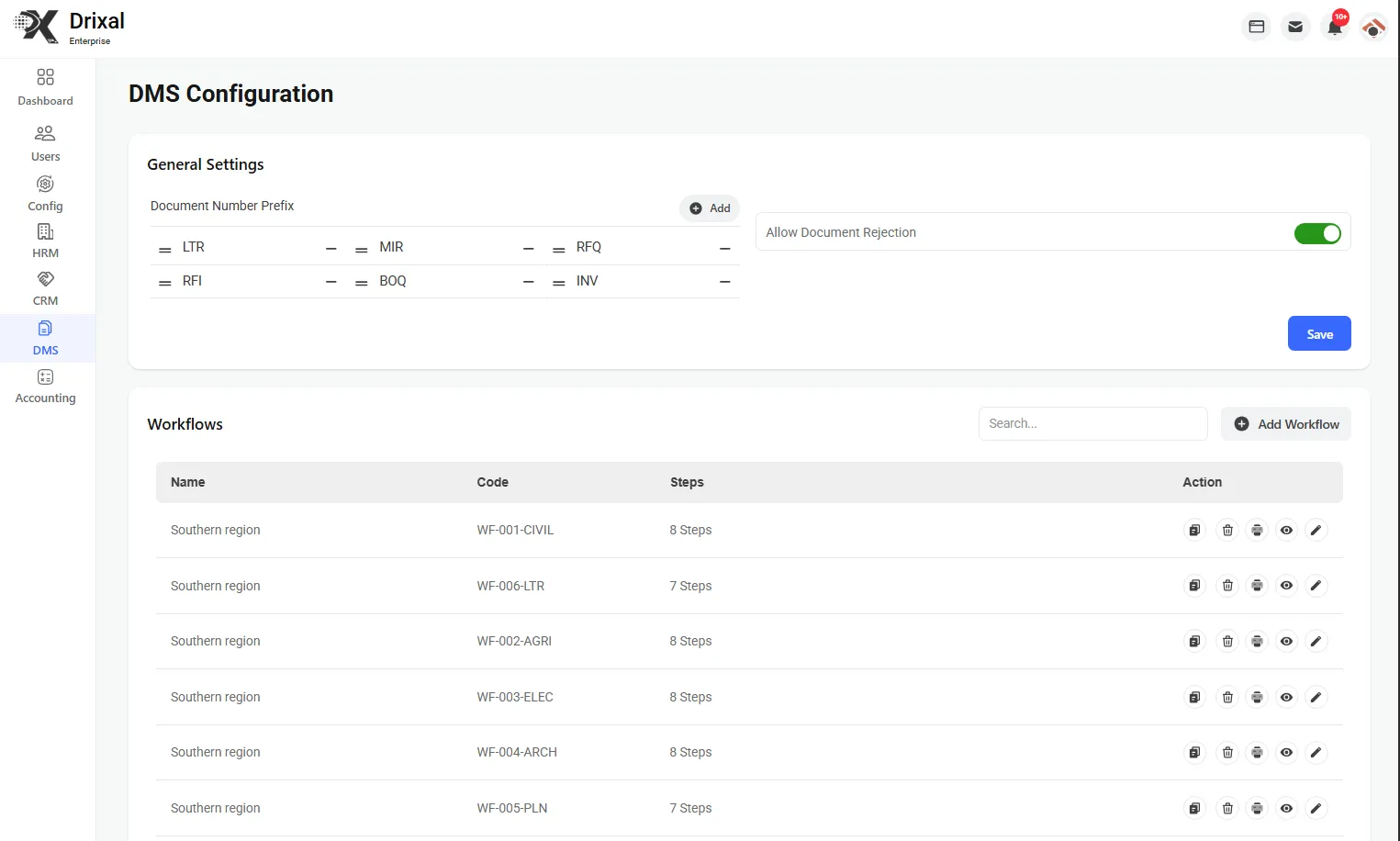
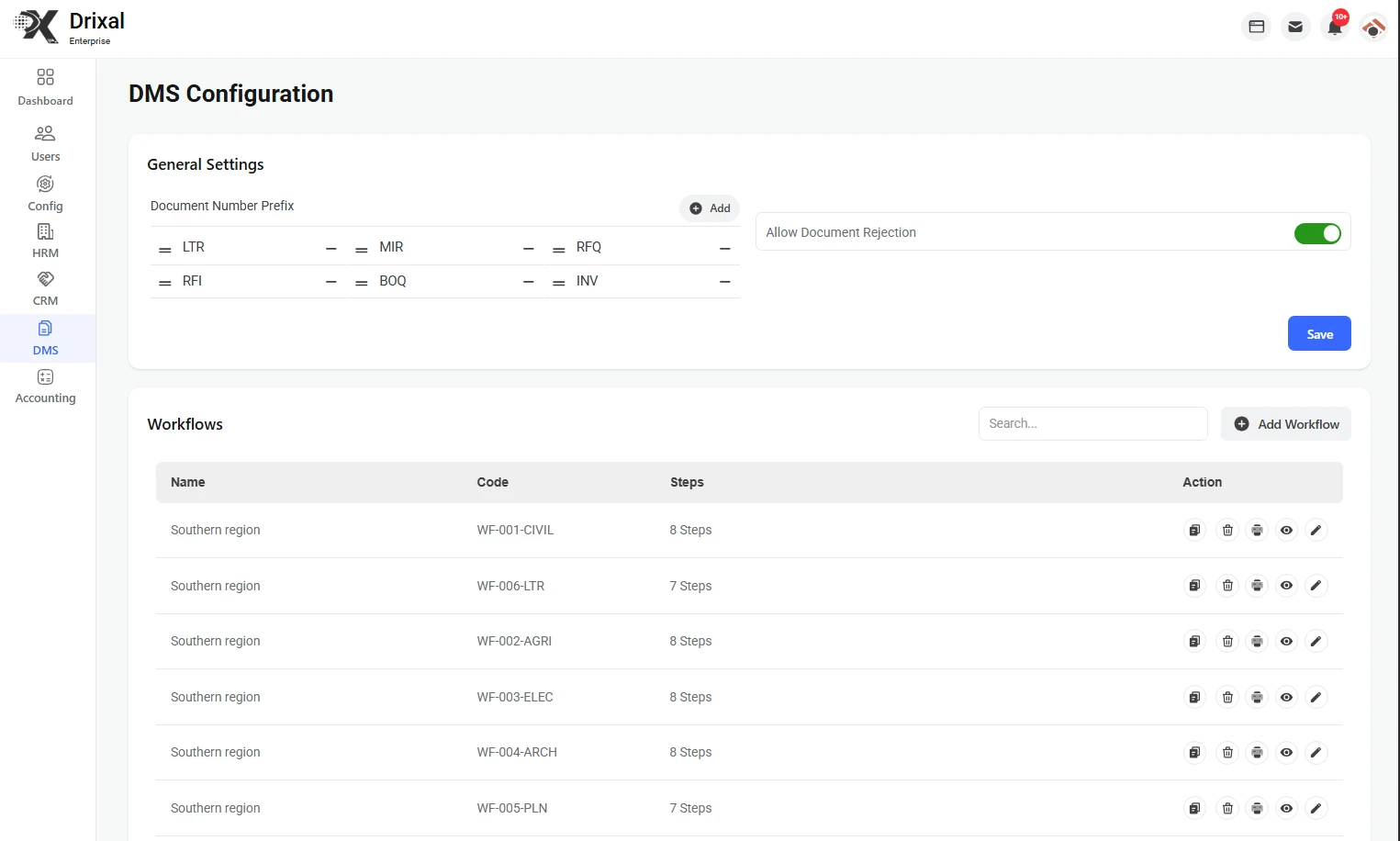
Design multi-step workflows with custom triggers and conditions, ensuring that each document follows a tailored approval path.
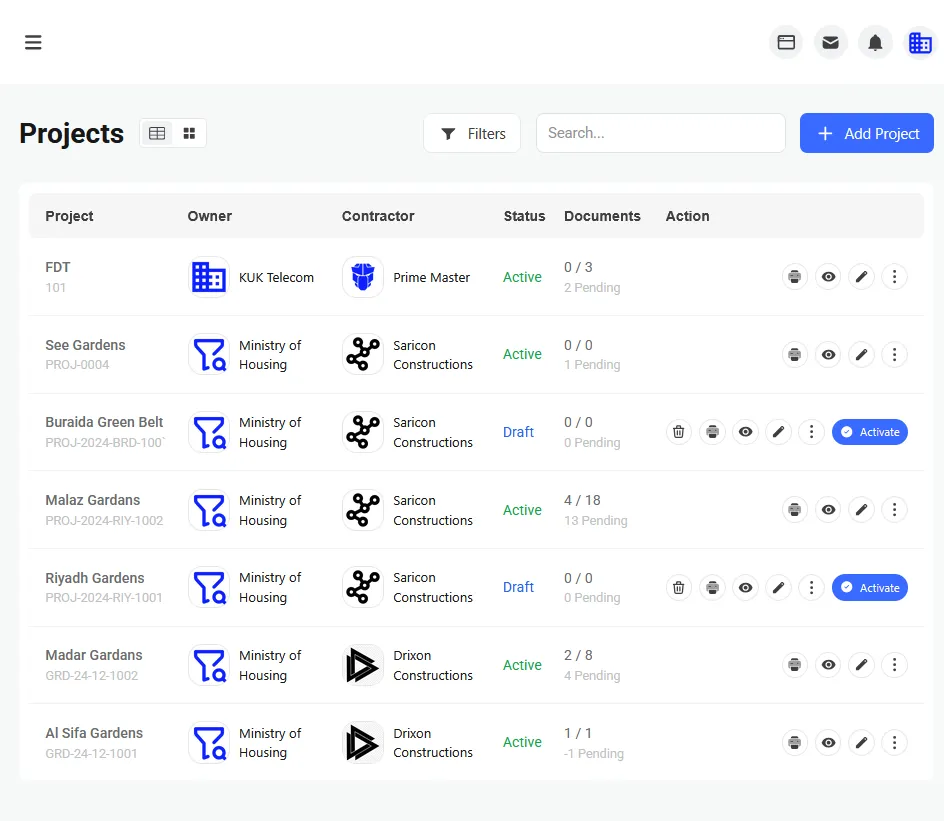
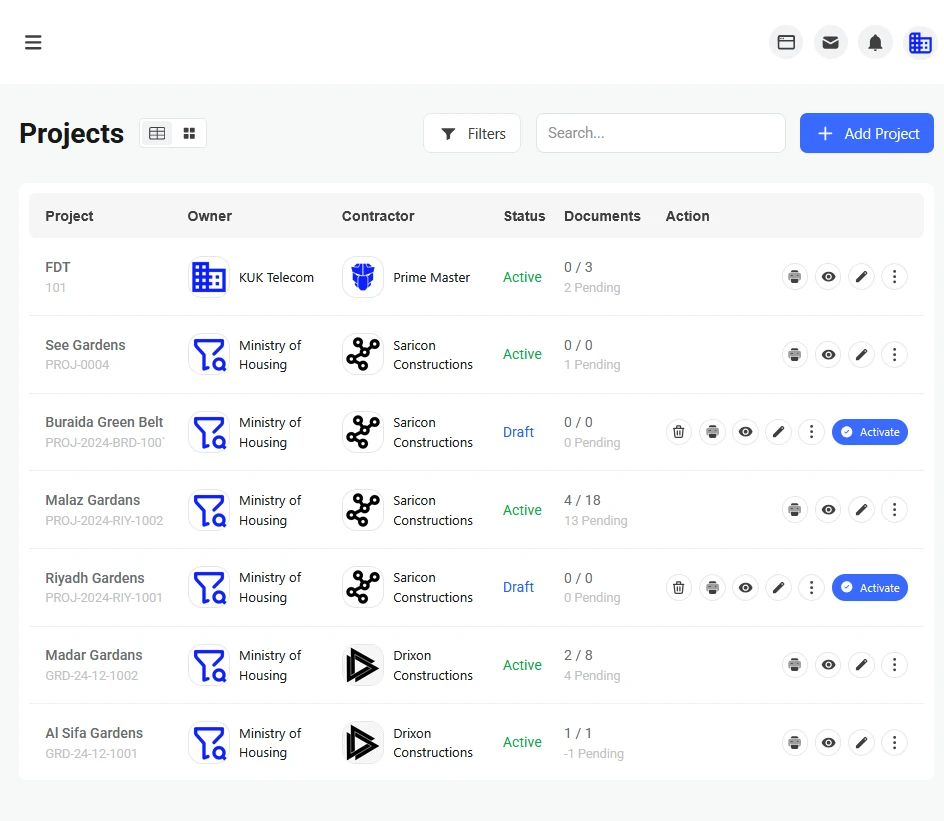
Link documents to specific projects or tasks to maintain context, streamline collaboration, and centralize project-related assets.
Enable documents to flow flexibly between owners, contractors, and employees in configurations like Owner → DMS → Contractor or Contractor → DMS → Owner.
Assign workflow tasks and responsibilities to internal employees based on their roles, creating accountability and compliance checkpoints.
Protect sensitive documents with fine-grained access control, role-based permissions, and audit logging for compliance.
Keep users informed with automated alerts for workflow status changes, document edits, approvals, or required actions.
Find documents instantly using filters for projects, tags, workflow status, authors, or version history to save time and reduce errors.
Centralize file archives, eliminate manual approval delays, and ensure strict compliance across all project stakeholders.
Streamline document workflows by automatically directing files to the appropriate users or teams based on preset criteria.
Enable real-time collaboration between internal and external stakeholders with commenting, notifications, and change tracking.
Built for growing businesses, the DMS supports high volumes of documents and users with stable performance and scalable infrastructure.
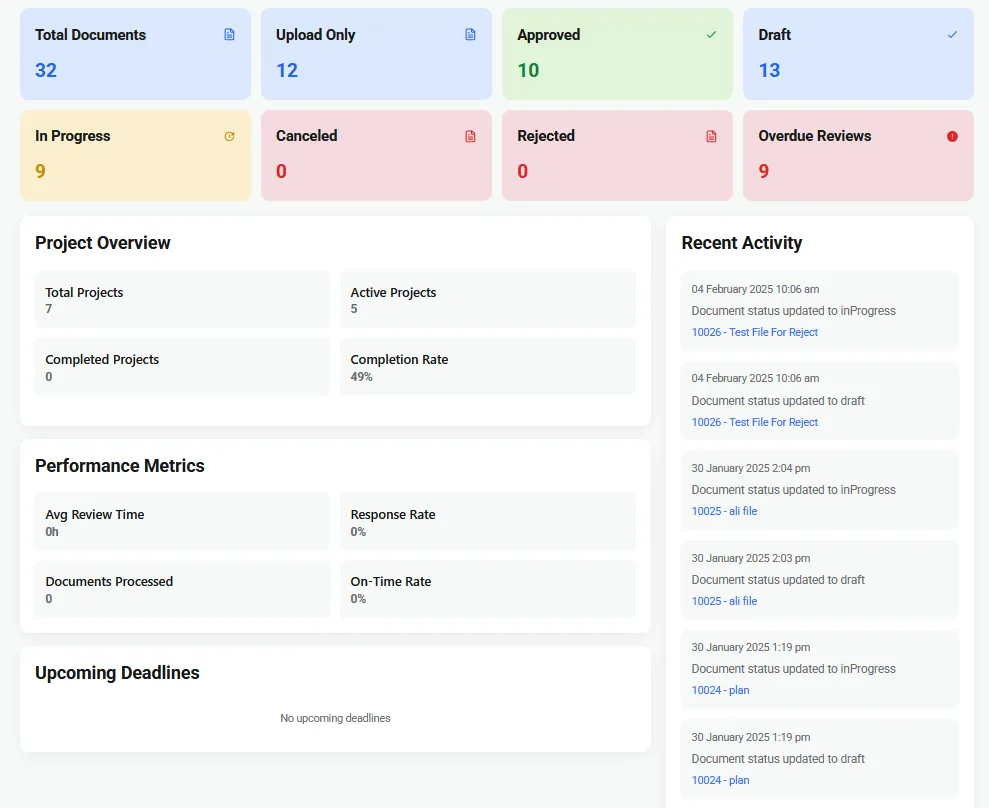
Discover the full potential of our DMS app, crafted to handle complex workflows, secure storage, and seamless document collaboration.
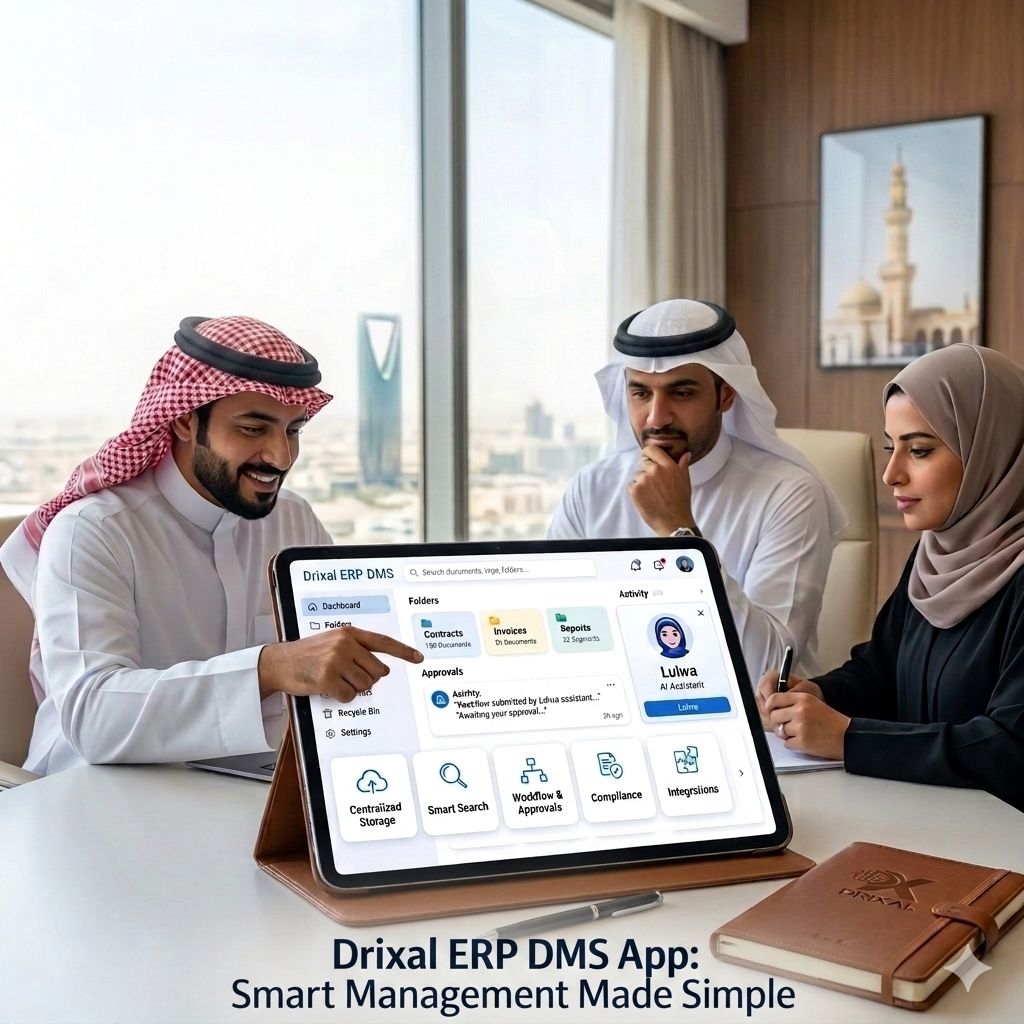
Unlock powerful features like version tracking, workflow automation, and project linking to simplify document operations.
Design workflows that match real-world business logic with multi-step approval flows and intelligent routing.
Attach and categorize documents under project umbrellas to streamline collaboration and audit trails.
Assign roles and permissions for every document flow to protect sensitive information and clarify responsibilities.
Maintain a record of document updates, revisions, and approvals to monitor document evolution and compliance.
From initial file creation to automated stakeholder approvals and encrypted archiving.
Upload files with automated metadata tagging, version indexing, and direct linkage to projects or tasks.
Trigger multi-tier approval flows between project owners, contractors, and internal compliance teams.
Track real-time edits, stakeholder comments, version histories, and digital sign-offs with full audit logs.
Store assets with role-based encryption and locate any document instantly using semantic search filters.
Track and manage document revisions with historical logs, change comparisons, and rollback capabilities.
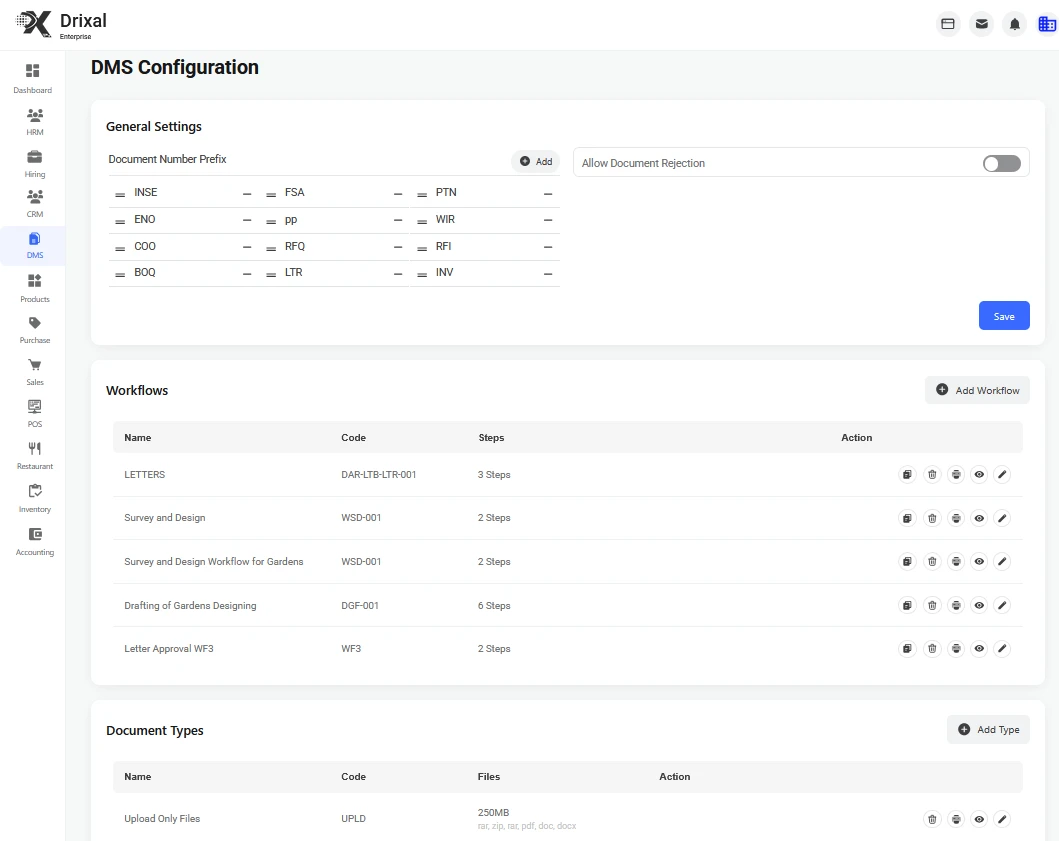
Accelerate document approvals and actions with smart, reusable workflows tailored to internal or external teams.
Attach documents to relevant projects, connecting files to phases, deliverables, and project stakeholders.
Enable shared access with permissions, audit trails, and change logs for safe and transparent document collaboration.
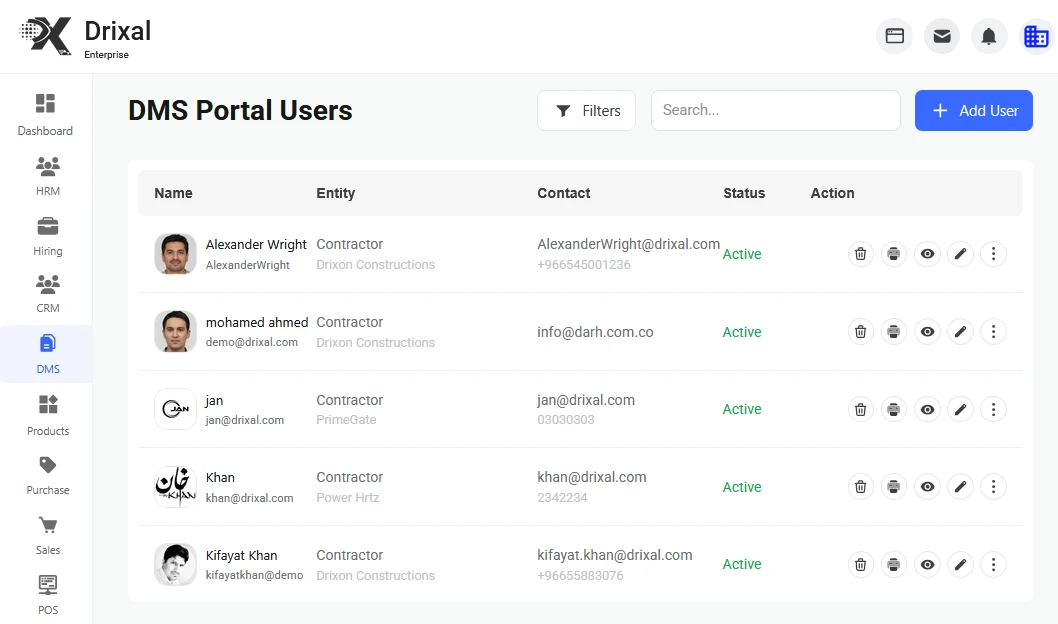
Discover innovative tools to streamline workforce management and boost productivity
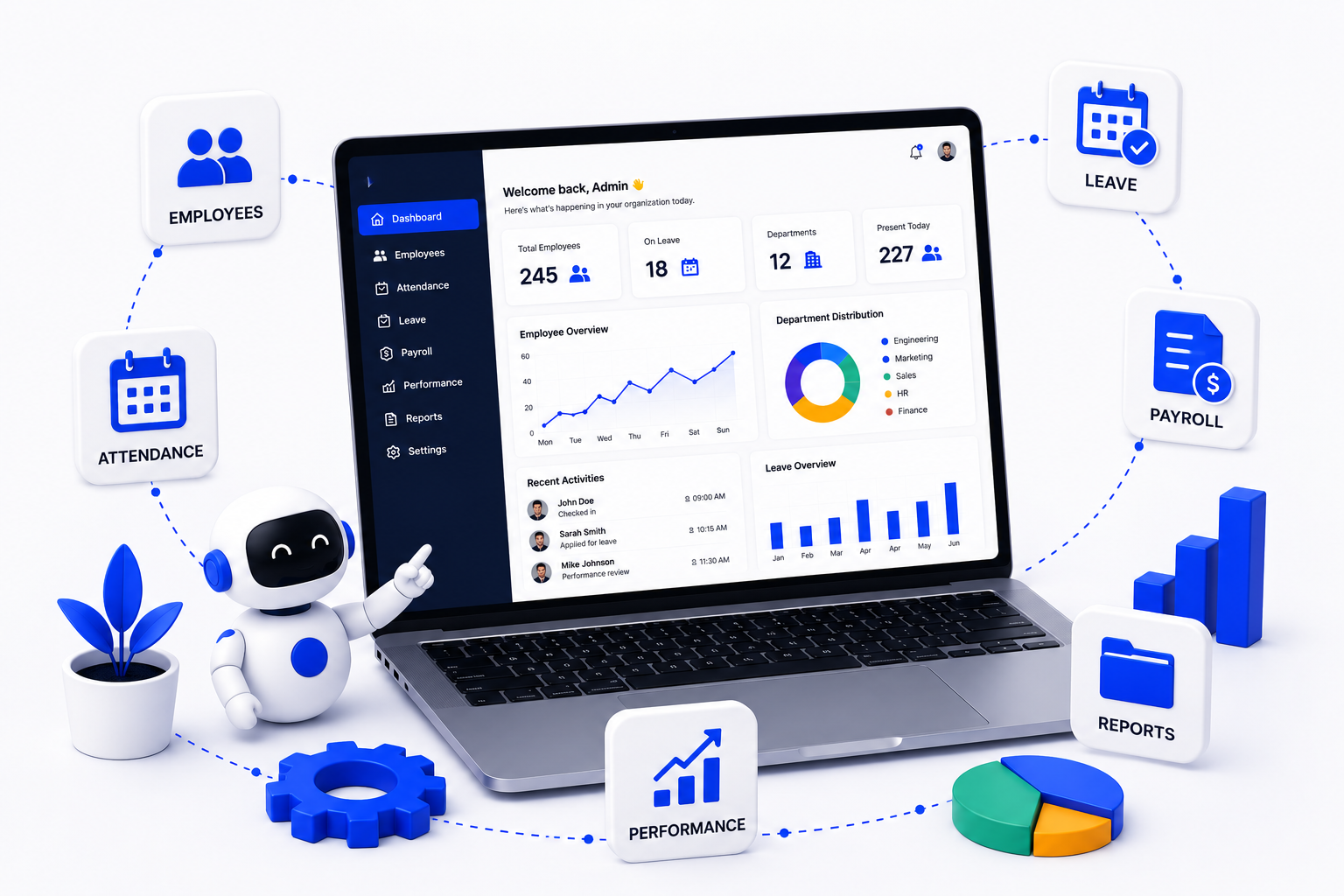
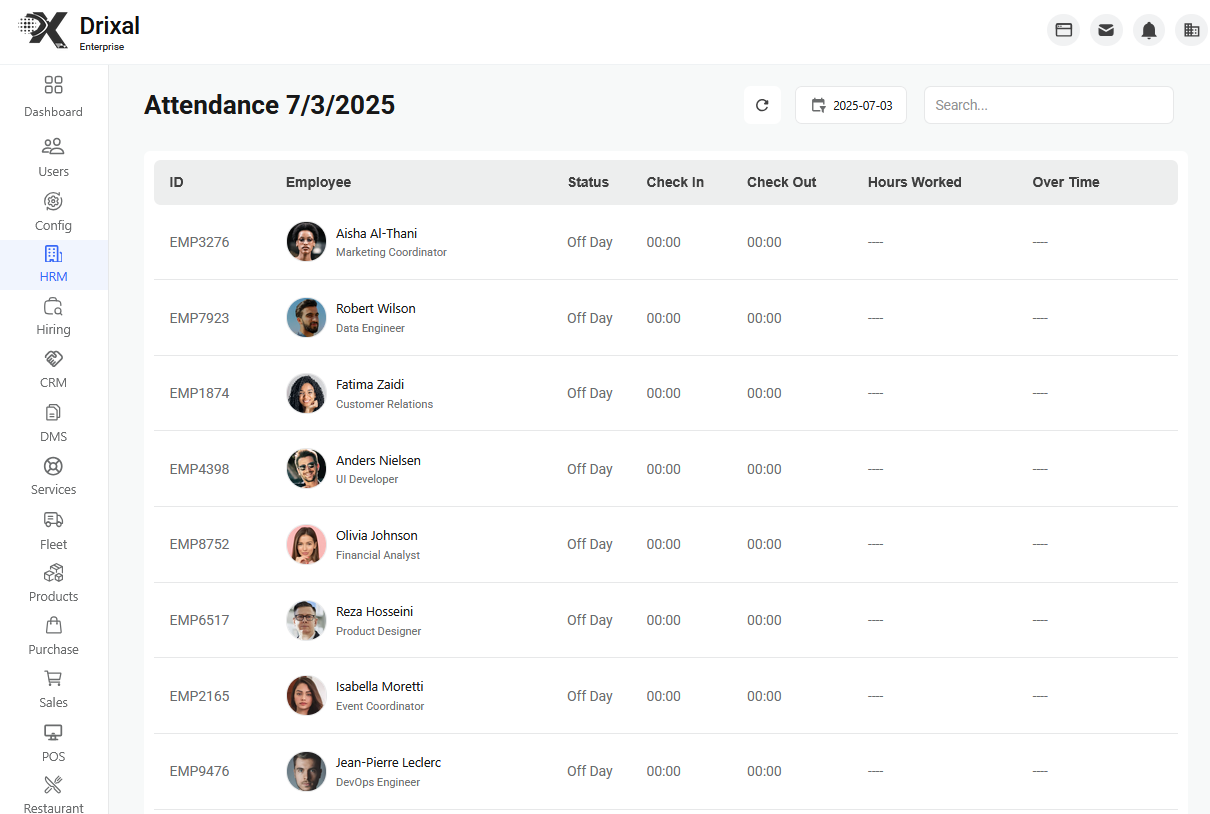
Explore practical ideas for streamlining operations, improving customer experiences, and getting more value from your ERP.

Bring appointments, service requests, customer details, and team schedules together so every interaction runs smoothly.
Automate confirmations, assignments, reminders, and follow-ups to save time and reduce manual errors.

Track performance, demand, and team productivity through clear dashboards that keep your business moving forward.

Coordinate workloads, availability, and responsibilities from one place for faster and more dependable service delivery.

Use complete customer histories and preferences to provide personalized service and strengthen long-term relationships.

Connect services with sales, accounting, inventory, and CRM to eliminate silos and create a single source of truth.